
SHORT ANSWER
TikTok's Content Posting API supports both direct photo publishing and upload for continued editing in TikTok. Enterprise teams still need to verify app review, account authorization, image URLs and order, cover selection, copy, privacy, comments, music, AI and commercial disclosures, human consent, and final publishing status rather than treating an accepted request as a public post.
Does TikTok's official API support photo publishing?
Yes. TikTok's Content Posting API can publish photos directly or upload them to TikTok so the user can continue in TikTok's editing flow. The photo workflow is initialized through /v2/post/publish/content/init/ and identifies the content type as PHOTO.
Before publishing, an app should query current creator information and show the destination account and available settings. Direct publishing typically requires the account to grant video.publish; upload for continued editing uses video.upload. The scope names retain the word “video,” but photos still use their own content type and parameters.
Enterprises should separate two questions: whether TikTok offers a photo-publishing API, and whether the current app, account, authorization, and review status meet the conditions for the intended workflow. The existence of the API does not mean every account can publish publicly through every tool.

Direct Post versus Upload to TikTok
Direct Post shows the account, preview, and available choices in an authorized third-party application. The user confirms the final configuration and the application submits the post. It suits teams that want configuration and approval in one workflow.
Upload to TikTok sends the photos to TikTok, where the user continues through TikTok's notification and editing flow. It suits teams that want to finish the post inside TikTok.
The two paths use different typical scopes and place the final publishing action in different locations. Direct Post still requires explicit human consent. After Upload succeeds, the application should clearly tell the user to continue in TikTok. The choice is a workflow decision, not a simple contest between automatic and manual publishing.
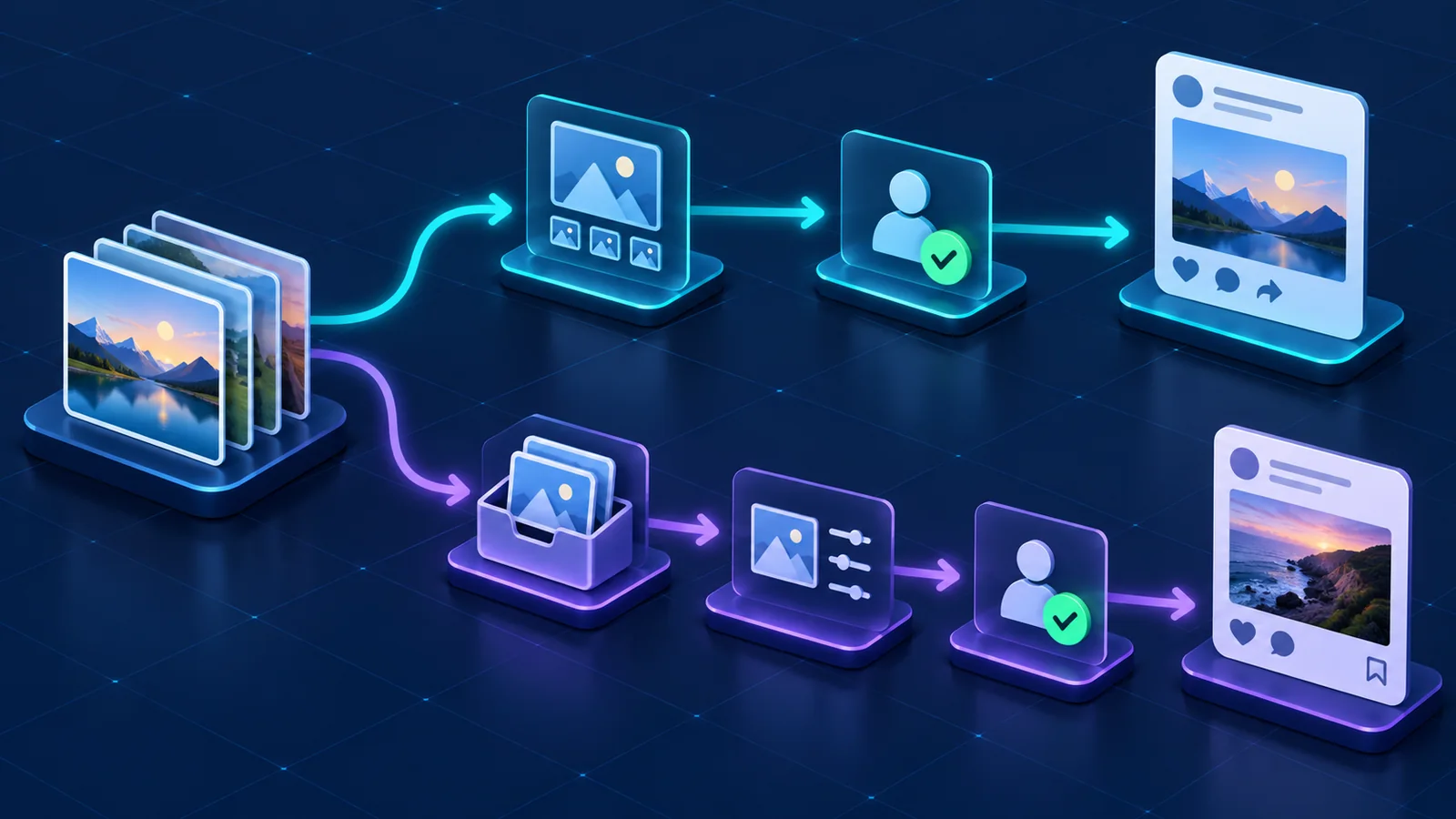
Core configuration for a photo post
TikTok photo-post configuration falls into four groups.
Publishing mode covers Direct Post or Upload and the PHOTO media type. Content information includes the title, description, privacy level, and comment setting. Photo source data includes the image URLs, image order, and cover index. Disclosure and music settings include AI-generated content, commercial-content toggles, and platform-recommended music.
Photo URLs should be publicly retrievable from a domain or URL prefix verified for the application. At the time of this review, TikTok documented a maximum of 35 photo URLs in one photo-post array. That is a technical limit, not a target for every post.
The tool should not force one privacy level for every account. It should query creator information, use the privacy choices returned for the destination account, and allow the publisher to confirm the account, preview, and settings before submission.
Organizing image names, order, and cover selection
The difficult part of batch photo publishing is often the relationship between images and posts, not the upload itself. Before creating tasks, define a work identifier, image order, cover image, destination account, title, description, and publishing time for each set.
Filenames can help with matching but should not be the only source of truth. If a team generates plans from naming rules, use a consistent format and preview every resulting plan. Check that the images belong together, the sequence supports the intended story, the correct image is selected as cover, every URL is accessible, on-image copy matches the target market, and no unapproved asset has been included.
Smart BIAI supports intelligent, matching, and self-select modes for image-post planning. Whatever the mode, preview the generated plans and confirm the work-to-account assignment before publishing.
Review music, AI disclosure, and commercial content separately
TikTok's photo Direct Post interface includes an option for platform-recommended music. This represents a platform feature; it should not be treated as proof that any track is licensed for every commercial use.
The photo interface also includes an AI-generated-content setting. Select it according to how the images were actually made and TikTok's current rules, not according to whether a production tool watermark is visible.
AI disclosure and commercial-content disclosure answer different questions. A publisher should separately determine whether the images are AI-generated or altered in a way that needs disclosure, whether the post promotes the publisher's own brand or product, and whether it is paid or branded content involving a third party. Neither disclosure replaces a rights check for images, people, trademarks, or music.
Smart BIAI currently supports TikTok video and photo-post configuration for platform-available background music, topics, and locations. Actual choices depend on account type, region, granted scopes, and TikTok's current availability.
How app review and account authorization affect publishing
TikTok states that content published by unaudited API clients is restricted to private visibility. After an app completes the relevant review, the destination user must still authorize it, and creator status, API limits, and platform rules still apply.
An enterprise evaluating a photo-publishing tool should verify four things: connection to the official Content Posting API, the app review and scopes required for the workflow, authorization from the destination account, and a publishing interface that displays the real account, content preview, and current choices.
Using an official API does not remove user control. TikTok's developer requirements emphasize that users should know which account will receive the content and should see and consent to it before publishing.

Previewing batch plans and tracking final status
Review a generated batch across five dimensions: account, work, fields, time, and status.
Account review confirms the destination and authorization. Work review checks the photo group, sequence, cover, and on-image copy. Field review covers title, description, privacy, comments, music, location, AI disclosure, and commercial content. Time review covers immediate or scheduled publishing and the account time zone. Status review separates request submission, platform processing, completion, and exceptions.
TikTok returns a publish_id that can be used to check the publishing action. Enterprise software should not display an accepted request as a public post before the destination platform reports the final result.
How Smart BIAI supports TikTok photo publishing
Smart BIAI Global Social Operations connects authorized TikTok accounts through the official API and supports batch photo-post publishing. Teams can generate plans in intelligent, matching, or self-select mode, configure the images, destination account, copy, and time, and then preview each plan and complete platform-specific fields.
Current TikTok video and photo workflows also support platform-available background music, trending topics, and location settings. AI disclosure, commercial content, privacy, and engagement settings should still be confirmed against the actual content and current platform interface.
Availability depends on app review, account type, region, granted scopes, media specifications, and TikTok's current rules. Smart BIAI connects content, accounts, and publishing tasks; it does not replace TikTok's decisions about an app, account, or post.
Nine checks before publishing TikTok photo posts
- Confirm that the application and destination account have the required authorization.
- Use image URLs that are accessible and meet the platform's requirements.
- Verify each image group, its order, and the selected cover.
- Confirm the title, description, and target-market language.
- Let the publisher choose privacy and comment settings.
- Configure music, topics, and location only where currently available.
- Review AI and commercial-content disclosures separately.
- Show the destination account and complete preview before submission.
- Retain the publishing identifier and track the final platform status.
Questions enterprise teams ask
Does TikTok's official API support photo posts?
Yes. The Content Posting API provides both Direct Post for photos and Upload for continued editing in TikTok. App review, scopes, account authorization, and platform conditions still apply.
Why does photo publishing use the video.publish scope?
That is the current scope name in TikTok's Content Posting API. The request still identifies the media type as PHOTO and uses the photo-specific parameters.
How many photos can one post contain?
When checked on 2026-09-18, TikTok documented up to 35 photo URLs in the photo_images array. Current documentation and account-specific limits should be checked again before implementation or publication.
Can an unaudited client publish public posts?
TikTok states that content published by unaudited API clients is restricted to private visibility. The client must complete the relevant review to remove that restriction, and the destination account still needs to authorize it.
Can photo posts receive music automatically?
Photo Direct Post offers an option for platform-recommended music. Smart BIAI can also carry currently available TikTok music configuration. The available tracks and usage conditions depend on the platform and authorization context.
Can an AI image without a watermark skip disclosure?
The watermark is not the deciding factor. TikTok provides an AI-generated-content field for photo posts; the selection should reflect how the image was made and the platform's current rules.
Does a successful batch request mean the posts are live?
No. Request submission, platform processing, and final publishing are different states. Retain the publishing identifier and track processing through completion or exception.