
SHORT ANSWER
Give each YouTube video a clear job: answer one question, explain a complete process or help viewers continue through a tutorial series. A cordless-vacuum example shows how to plan six topics, reuse original footage and review Shorts and longer videos separately.
Article
Plan YouTube business content around the questions customers need answered. Use a Short for one action or question, a longer video for a complete process, and a tutorial series to connect related topics. Start with a useful set of videos and let viewing patterns and real questions guide the next set.
1. What job should each type of content do?
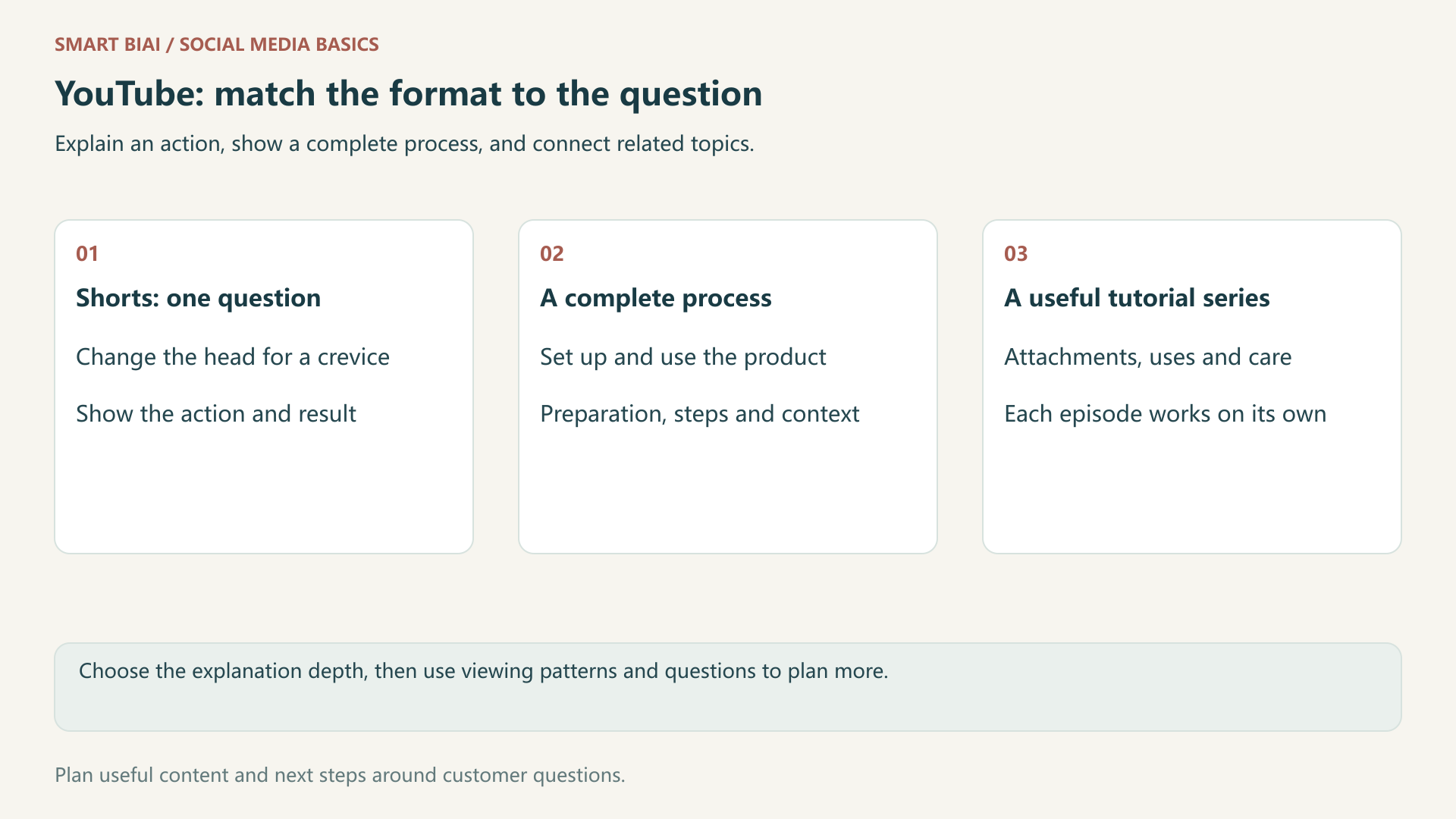
Write down what viewers should understand before choosing a format. A simple action may suit a Short. A process with preparation, several steps and a result needs a complete video. A tutorial series is a way to organize topics and can contain videos of different lengths.
| Content choice | Viewer need | Cordless-vacuum topic | Production focus |
|---|---|---|---|
| Short | Understand one action or detail | Changing the head for sofa crevices | Show the question, action and result clearly |
| Complete video | Follow a process from preparation to completion | Assembly and the first cleaning session | Explain conditions, steps and the next action |
| Tutorial series | Find answers to related questions | Attachments, surfaces and routine care | Make each episode useful on its own and connect related topics |
Keep the audience and subject consistent across formats. Shorts views do not guarantee that those viewers will watch longer videos. Use YouTube content analytics to review formats and audience overlap separately.
2. How can one product support six useful topics?
Start with buying questions, product instructions and actual demonstrations. The cordless-vacuum topics below are planning examples. Use the dimensions, attachments, suitable surfaces and care instructions for your own product.
| Customer question | Suggested content | Footage to prepare | Useful follow-up |
|---|---|---|---|
| How do I get started? | Complete introduction | Parts, assembly and first use | Attachments and use cases |
| Which head reaches a sofa crevice? | One Short | Attachment, fitting and action | Complete attachment guide |
| How do I switch between floor and furniture? | Use-case tutorial | The same product in both situations | Relevant attachment instructions |
| How much storage space is needed? | One Short | Real storage and measurements | Dimensions and installation information |
| How do I maintain the product? | Separate tutorial | Care steps from product instructions | Common usage questions |
| What step do beginners miss? | Focused answer video | The step and the correct action | First-use tutorial |
Choose two of the most frequently asked questions first. Make one complete tutorial and one short demonstration, then add topics as you gather more footage and feedback.
3. How can Shorts connect to tutorials and playlists?
Offer the next video when viewers need a deeper explanation. YouTube's related-video feature lets you select content from your channel after uploading a Short. It requires advanced feature access; the selected video must be public or unlisted and meet the platform's requirements.
A Short about changing an attachment can point to a full attachment guide. Answer the immediate question in the Short itself, then explain what the related video adds. YouTube's link guidance states that plain URLs in Shorts descriptions and comments are not clickable. Use the available related-video feature to connect channel content.
Use playlists for topics such as getting started, attachments and routine care. Name the benefit clearly and make each episode understandable without requiring viewers to watch the whole series first.
4. How can a small team reuse one filming session?
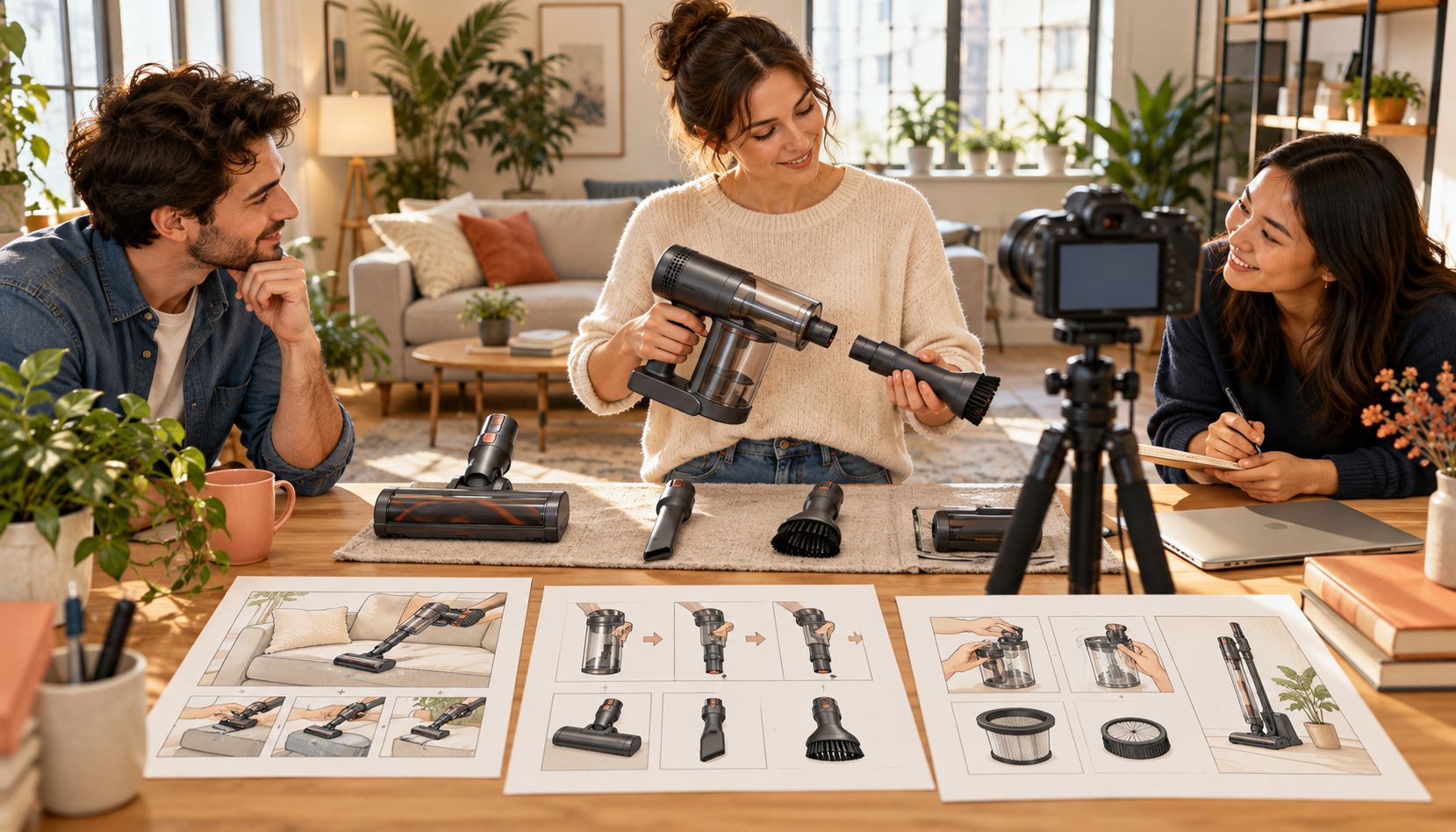
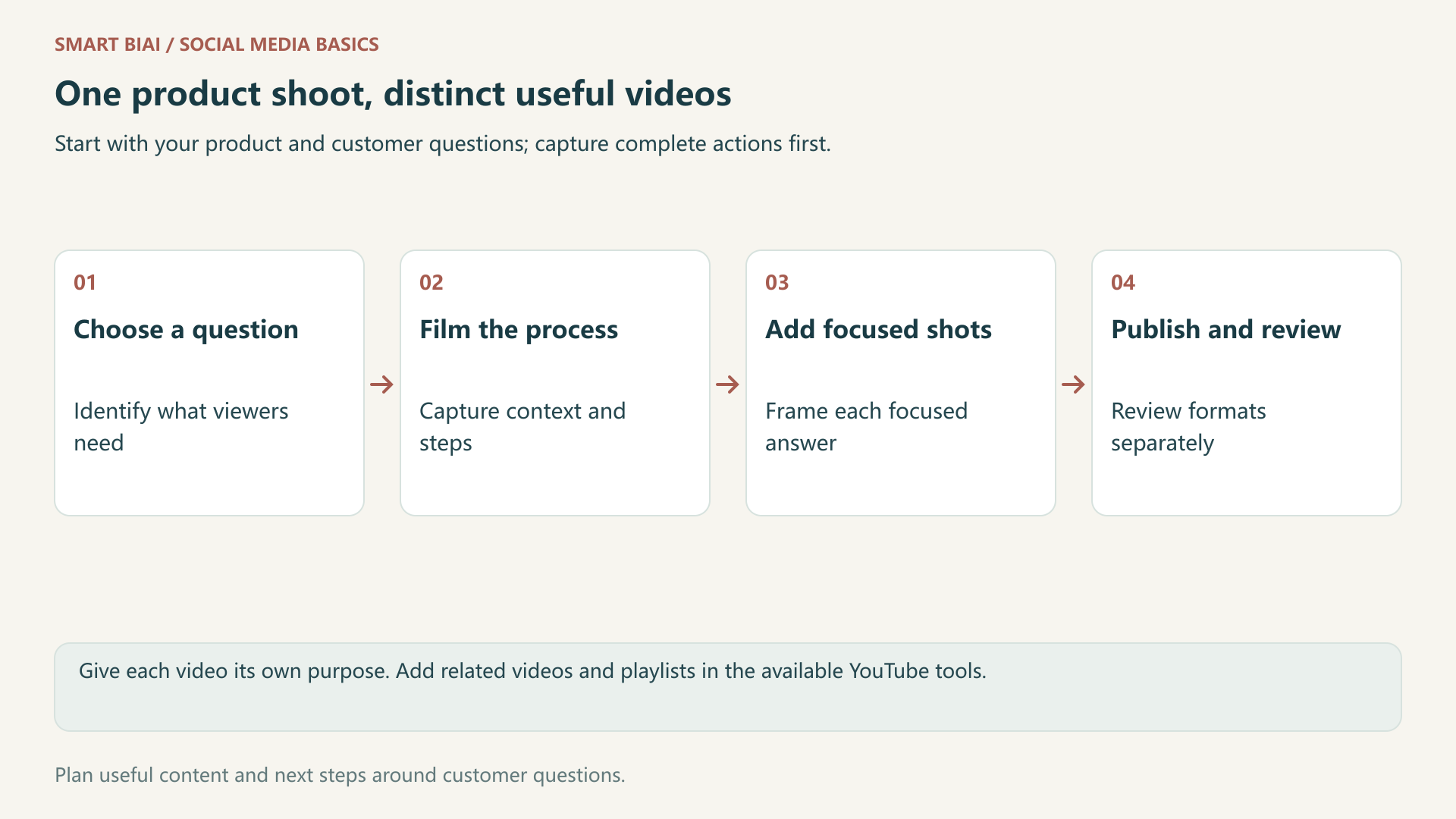
Film the complete process, then capture close-ups and vertical compositions for individual questions. When adapting a horizontal tutorial into a Short, rebuild the opening, subtitles and framing so the action remains clear. A shorter runtime alone does not create a useful new explanation.
Smart BIAI helps organize product materials, prepare video and language versions, and schedule posts for connected accounts. Check one finished version before producing more. See AI video input preparation and Global Social Operations. Set up playlists and Shorts related videos in YouTube Studio.
5. Which results should inform the next videos?
Review formats separately in YouTube Studio, then return to individual topics. Compare videos at similar ages after publication. Use viewing patterns, discovery sources and comments to understand where viewers stay and what they still want to know.
| Decision | Look at | Possible change |
|---|---|---|
| Does the Short explain the action? | Available viewing and retention data, questions | Show the action earlier or clarify a missed step |
| Where does a tutorial lose viewers? | Watch time, retention and search sources | Shorten an irrelevant opening or improve an explanation |
| Is the series worth continuing? | Episode results, playlist data, recurring questions | Improve the sequence or fill a real gap |
| Is there business interest? | Relevant destination visits and recorded inquiries | Match the next destination to the product and language |
Record views, subscriptions, website visits and inquiries separately. Update instructions when the product or its attachments change.
Continue reading
Questions enterprise teams ask
Must a business channel publish both Shorts and longer videos?
No. Choose the format that answers the question. With limited resources, start with one complete tutorial and one short demonstration, then learn what viewers need next.
Will a successful Short automatically increase long-video views?
No. Viewing habits can differ by format. Review audience overlap and format performance. A related-video link provides a route to more content, not a promise of clicks or completed views.
Must every tutorial episode be watched in order?
Make episodes useful independently, with clear links to related topics. Briefly explain any necessary preparation at the start of an episode.
Can I cut several Shorts from one longer video?
You can use original footage you have rights to, but give each Short a clear question, complete action and ending. Check framing and subtitles instead of cutting at arbitrary time intervals.
How many videos should we publish each week?
Choose a pace your team can sustain while filming, editing and answering questions. You can spread the topics across several weeks and leave time to create and reply.
How can Smart BIAI help with YouTube content?
Use it to organize assets, prepare video and language versions, and schedule publishing for connected accounts. Manage channel settings, playlists and related-video links in YouTube Studio.