
SHORT ANSWER
Channel keywords describe the channel topic, video tags add terms for a particular upload, and hashtags connect public topics. Prepare a clear title, thumbnail and description first, then use the remaining fields for their intended purposes.

What is the difference between YouTube keywords, tags and hashtags?
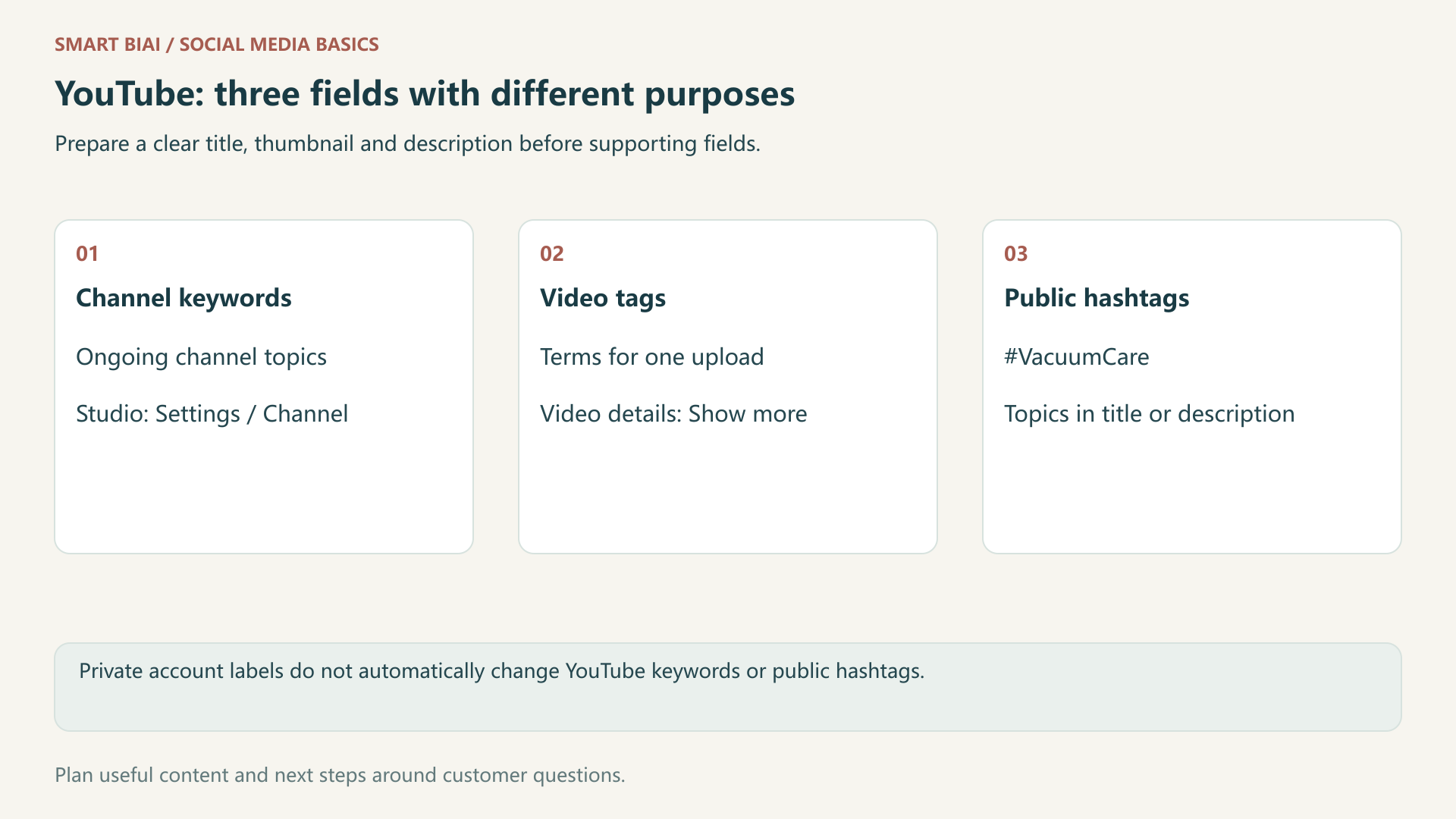
Channel keywords describe an ongoing channel topic. Video tags add terms for a particular upload. Hashtags are public topic expressions in the title or description. Write the question the video answers before preparing these fields.
Sources reviewed November 2026. YouTube's video-tag guidance gives greater importance to titles, thumbnails and descriptions. It describes a smaller role for tags, including help with commonly misspelled terms.
1. Keep the three fields separate
| Field | Purpose | Usual location | Example |
|---|---|---|---|
| Channel keywords | Describe the overall channel topic | Studio settings, Channel, Basic info | cordless vacuum, vacuum care |
| Video tags | Add relevant terms or spelling variations for one upload | Video details, Show more, Tags | The actual product name and relevant terms |
| Public hashtags | Connect content with a public topic | Video title or description | #VacuumCare, #CleaningTips |
Account labels are different again. Labeling a channel as an English tutorial account in Smart BIAI organizes the team's accounts. It does not automatically change YouTube channel keywords or add hashtags to every upload.
2. Prepare the title and explanation first
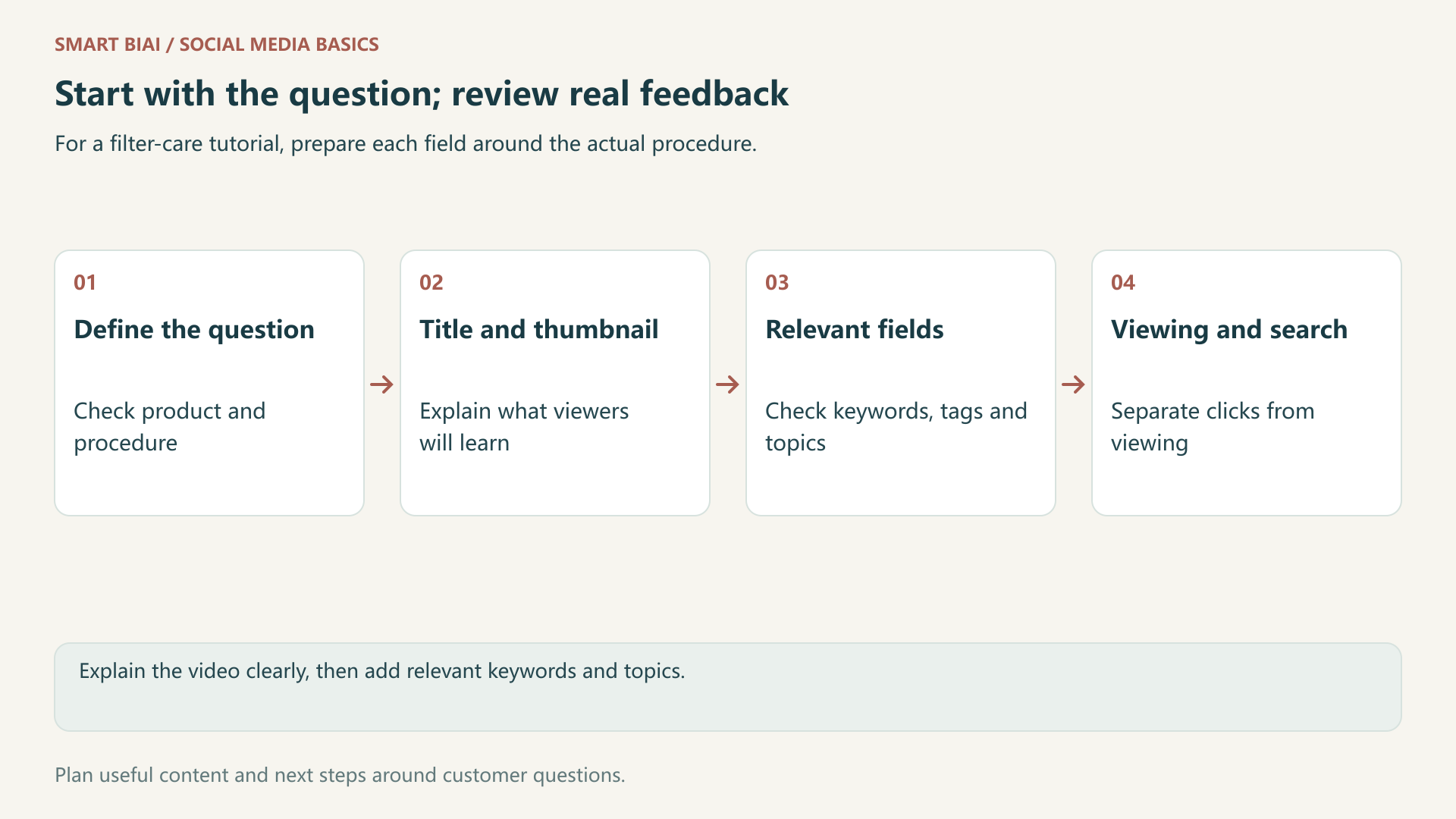
Suppose the video demonstrates removing and cleaning a cordless-vacuum filter. Give it a title naming that task, show the actual part in the thumbnail, and explain the supported model and procedure in the description. Washing and consumable-care instructions must match the product manual.
Use tags for relevant product wording or spelling variations. Choose hashtags the demonstration genuinely covers. Keep channel keywords focused on enduring subjects rather than rewriting the whole set for each upload.
3. Check the fields in YouTube Studio
Follow the channel-settings guidance to review keywords under the channel's basic information. Remove unrelated or abandoned subjects and add terms supported by the channel's actual videos.
Check video tags in the expanded video-details form, and public hashtags in the title or description. Open the saved public page to inspect the result. Labels and layouts can change with language or interface versions.
4. Use a product tutorial to prepare the copy
Use the following example to prepare the fields for your own product and procedure.
| Content item | Possible approach | What the viewer learns |
|---|---|---|
| Title | How to remove and clean this vacuum filter | The specific task explained |
| Description opening | Identify the model, filter and applicable steps | Whether the tutorial fits their product |
| Video tags | The actual product name and a few relevant terms | Additional context without replacing the explanation |
| Hashtags | #VacuumCare, #FilterCleaning | The relevant public topics |
Use language your intended viewers understand. For an English tutorial, start with relevant English terms; adapt the title and explanation when producing another language version.
5. Avoid excessive and misleading hashtags
Hashtags cannot contain spaces and should relate directly to the content. The YouTube hashtag policy says that content with more than 60 hashtags has all its hashtags ignored. Keep the selection focused rather than trying to fill every slot.
Keep the description useful to viewers rather than filling it with a keyword block. Check the clarity of the title and explanation, then include relevant topics without trying to fill every possible slot.
6. Review the search, click and viewing stages separately
Use the search, click and viewing information in the account to see where viewers need a clearer explanation.
| Observation | First check | Possible response |
|---|---|---|
| Search terms do not match the product question | What the title, description and footage say | Clarify the subject and applicable conditions |
| Impressions produce few clicks | Whether the title and thumbnail explain the use | Improve clarity without exaggerating |
| Viewers leave shortly after clicking | Whether the opening reaches the task | Shorten the introduction; keep useful conditions |
| Comments repeat the same question | Whether the tutorial omits a step | Add an explanation or a separate tutorial |
Smart BIAI can help organize product assets, language versions and content tasks across channels. Check channel keywords, video tags and hashtags separately, and complete any fields your publishing tool does not offer in Studio.
Continue reading
Questions enterprise teams ask
Are video tags the main priority for discovery?
YouTube emphasizes the title, thumbnail and description. Make the video and its explanation useful before adding supporting tags.
Should channel keywords change for every upload?
Maintain them around the ongoing channel topic. Review them when that direction changes, rather than mechanically replacing them each time.
Should we add every competitor's name to the tags?
Only use relevant wording for content that actually discusses it. Unrelated names misrepresent the video.
Is 60 the recommended hashtag count?
No. It is a policy threshold for excessive hashtags, not an optimization target.
Are Smart BIAI account labels the same as YouTube tags?
No. Account labels organize channels; video tags describe one upload. Check supported publishing fields separately.
Does a rise in views after a tag change prove an effect?
No. Record other changes and the observation period, then compare several posts and their actual search feedback.