
SHORT ANSWER
Answer the viewer’s question before offering a useful next step. Distinguish channel, long-form and Shorts links, match the destination to the tutorial, and review website visits and enquiries.
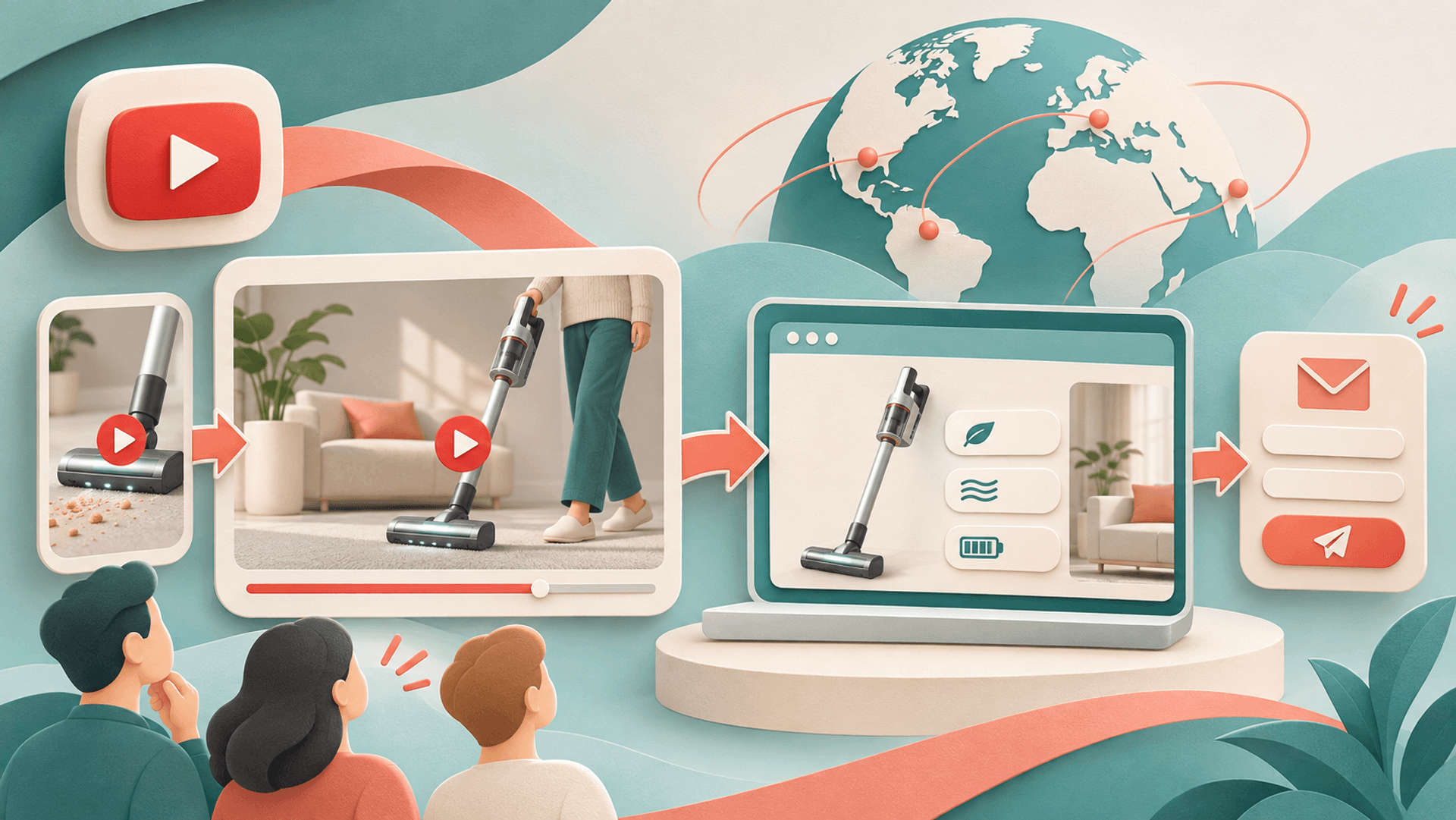
How can YouTube bring relevant viewers to a business website?
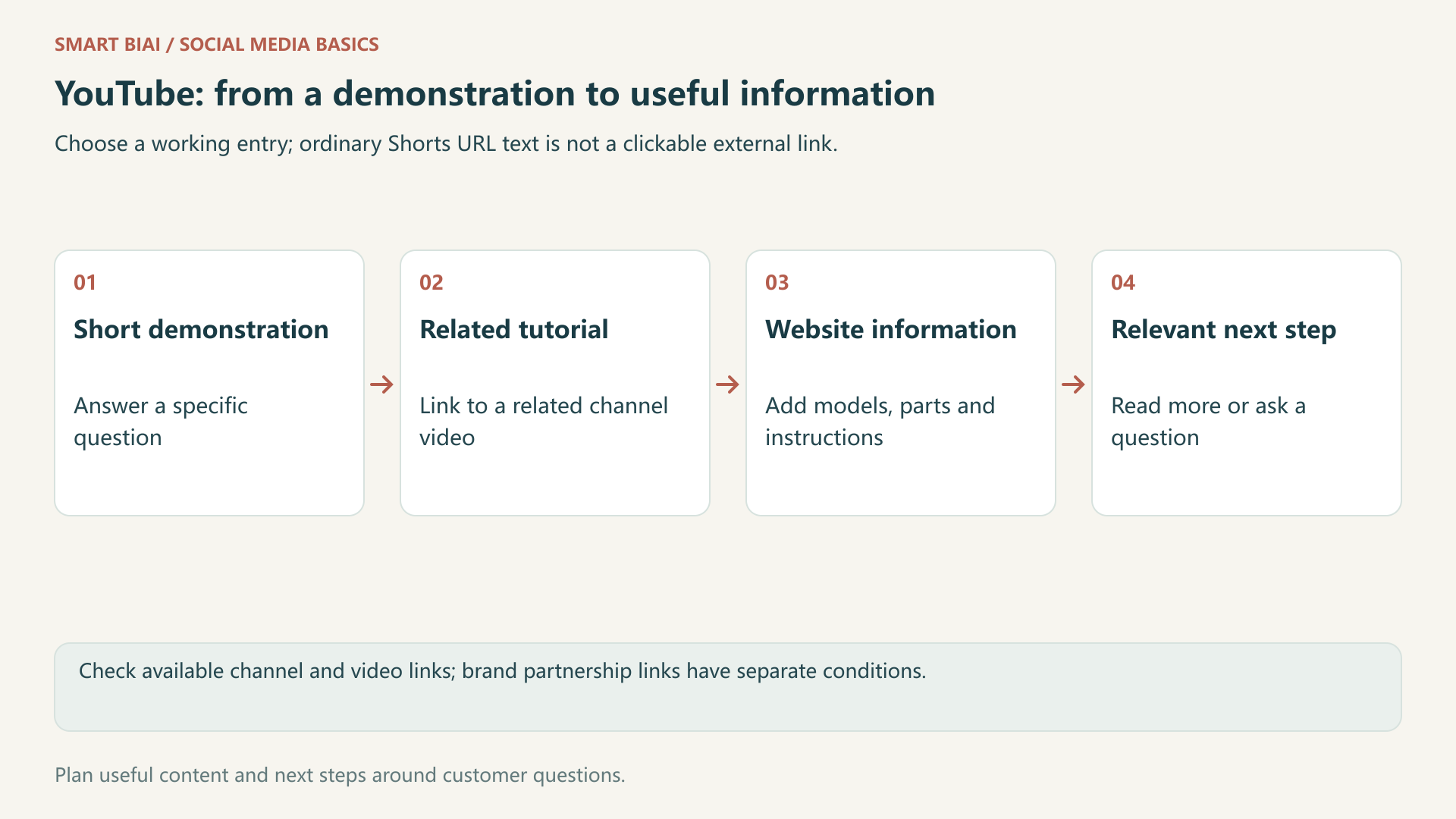
Give viewers a useful reason to continue after answering their question in the video. A product demonstration can lead to model information, an accessory guide or a relevant service page. Describe what the destination adds instead of ending every video with a generic request to visit your website.
As of November 2026, ordinary Shorts URL text is not equivalent to a long-form or channel link. Check the YouTube link guidance before choosing an entry point.
1. Which entry point fits each video format?
A channel link can introduce the business and its main resources. A tutorial needs a destination that continues its specific subject. A vacuum attachment demonstration should not send a viewer to unrelated company news.
| Entry point | Useful role | Check before using it |
|---|---|---|
| Channel profile link | A continuing business or product resource | A descriptive name and a working destination |
| Long-form description or comment | Supporting material when external-link access is available | Channel eligibility and the published result |
| Ordinary Shorts description or comment | Do not rely on pasted URLs as clickable external links | Use a working channel or on-platform follow-up instead |
| Shorts related video | Complementary content from the same channel | Advanced-feature access and a relevant follow-up |
A related video is YouTube content, not an external website page. It can connect a short cleaning demonstration to a fuller tutorial. Brand partnership links on Shorts are a separate supported arrangement, not a general setting for every business account.
2. What makes the website worth visiting?
For a cordless vacuum, show the crevice attachment cleaning a sofa edge. The website can add compatible models, a parts list and maintenance instructions. Finish the demonstration in the video; offer convenient supporting information rather than withholding the answer.
Tell viewers where that information is available. A long-form video might name its description link. A Short should describe an entry that the viewer can actually use, such as the relevant tutorial on the channel.
| Viewer’s question | What the video answers | Website destination | Appropriate next step |
|---|---|---|---|
| Will this solve my particular problem? | A demonstration under stated conditions | Model and compatibility information | Read further or compare products |
| Which model fits my use? | Confirmed differences between options | A matching comparison page | Send the actual selection requirement |
| Can a team produce market versions? | Examples of localized content formats | Production or localization service details | Discuss use, language and deliverables |
Adapt these examples to your products, using accurate specifications, performance information and prices.
3. How should the channel and destination match?
Explain who the channel serves and the questions its videos answer. Name links by their purpose, such as product instructions or video production services. Make the destination language easy to identify when the channel serves several markets.
Continue the same product and question on the website. A viewer who has watched a tutorial needs accessible instructions, relevant conditions and a clear contact option. Test the page and form on a phone instead of assuming a desktop preview represents the whole experience.
4. How can the team review visits and enquiries?
Use consistent campaign parameters, for example utm_source=youtube and utm_medium=organic_social. A tutorial-specific link can also identify its subject through utm_content. One illustrative URL is https://example.com/products/cordless-vacuum?utm_source=youtube&utm_medium=organic_social&utm_campaign=vacuum_guide&utm_content=sofa_tutorial. Replace it with the real destination before use.
A shared channel link identifies that entry, not the exact video behind every visit. Check that redirects retain the intended parameters and that the destination and form still work.
| Stage | What to review | What it can help explain |
|---|---|---|
| Video and channel | Available viewing, retention and entry-point data | Whether the content attracts relevant viewers |
| Website | Tagged visits, landing pages and further reading | Whether people find the promised information |
| Business enquiry | Actual requirement, market and product or service fit | Whether audience or offer explanations need adjustment |
Views, visits and enquiries describe different stages. Later brand searches or visits on another device may lose the original source information, so tagged links help explain traffic without identifying every video a customer watched.
5. What should change when views do not become visits?
First check audience fit, the value of the next step and the working link. Entertainment-led attention may call for a different subject, rather than a stronger enquiry message on every video.
If visits arrive but enquiries do not, inspect the destination information and contact route. Existing customers looking for instructions are useful visitors too; separate their support questions from new purchasing requirements.

6. Where does Smart BIAI fit?
Smart BIAI helps teams organize accounts and assets by market and channel, prepare AI videos in different languages, schedule content and review publishing records. Add the website destination to the plan so content creators and account managers work from the same product information.
Confirm YouTube-specific eligibility and link settings on the platform. Use website analytics and actual enquiry records for the next stages. For help producing tutorials or localized videos, discuss your video production needs.
Continue reading
Questions enterprise teams ask
Are URLs in ordinary Shorts descriptions clickable?
Do not use ordinary Shorts description or comment URLs as clickable external links. Check a working channel or related-video route. Supported brand partnership links are a separate feature.
Can a Shorts related video point directly to my website?
No. It points to related content from the channel and requires advanced-feature access. Use an available external entry for the website.
Should every video link to the homepage?
No. Tutorials, comparisons and service introductions need relevant destinations. The homepage is useful for a business overview, while specific questions usually need specific information.
Can one channel link identify customers from every video?
Not by itself. It identifies an entry. Video-specific tagging can add detail, but visits and business enquiries still need careful interpretation.
Why might strong viewing figures produce few enquiries?
Check audience fit, the value of the next step and the destination. Viewing, visiting and having a relevant business requirement are separate actions.
What should I prepare before scheduling YouTube content with Smart BIAI?
Prepare the channel, assets and language versions, and confirm channel access and the link feature you intend to use. Smart BIAI helps organize content and publishing tasks; YouTube controls external-link eligibility.