
SHORT ANSWER
Help people understand the product through Reels and carousels, then offer a useful profile or Story destination. Match the mobile page and next step to the content that brought them there.
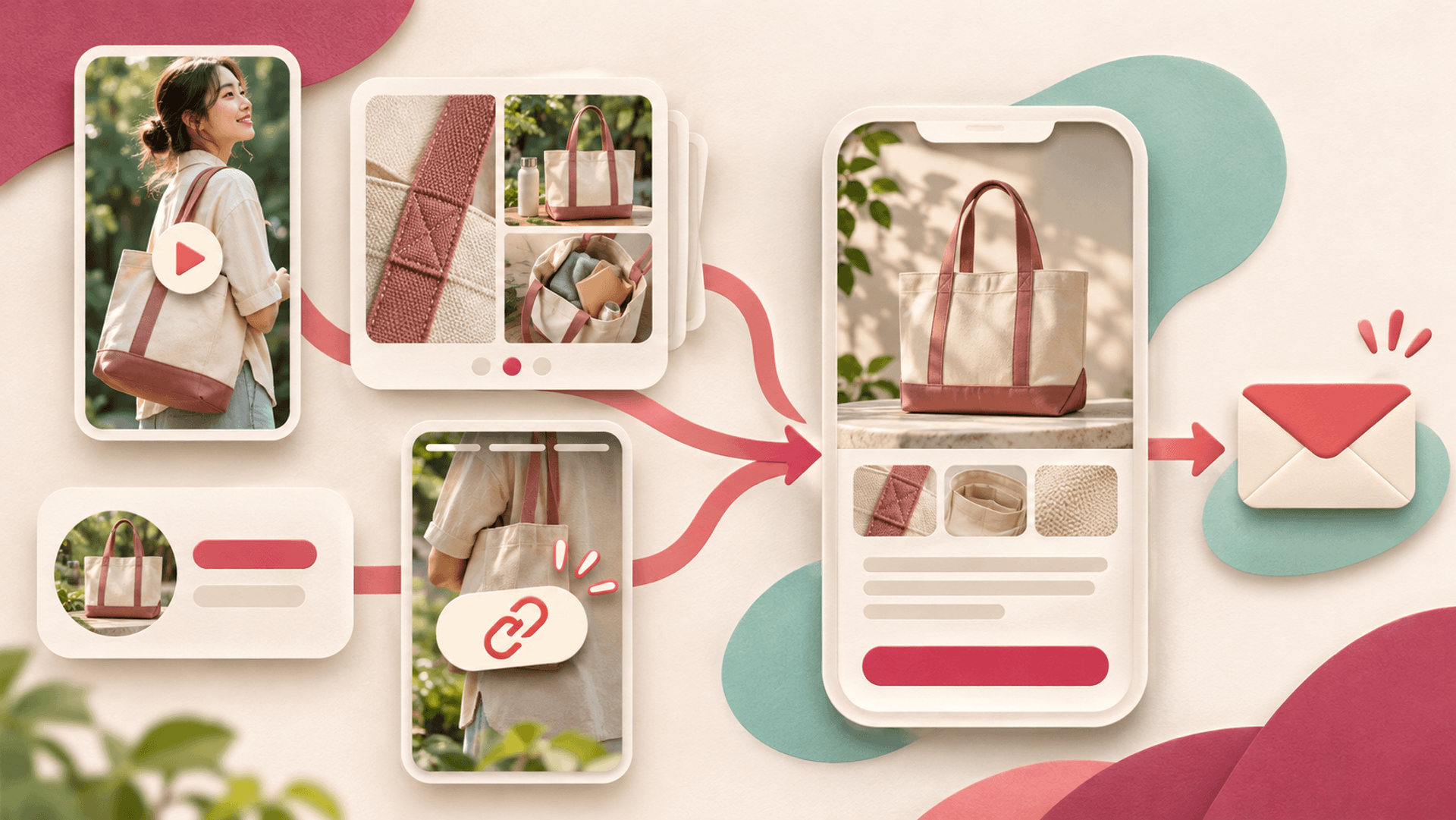
How can Instagram content lead to a useful website visit?
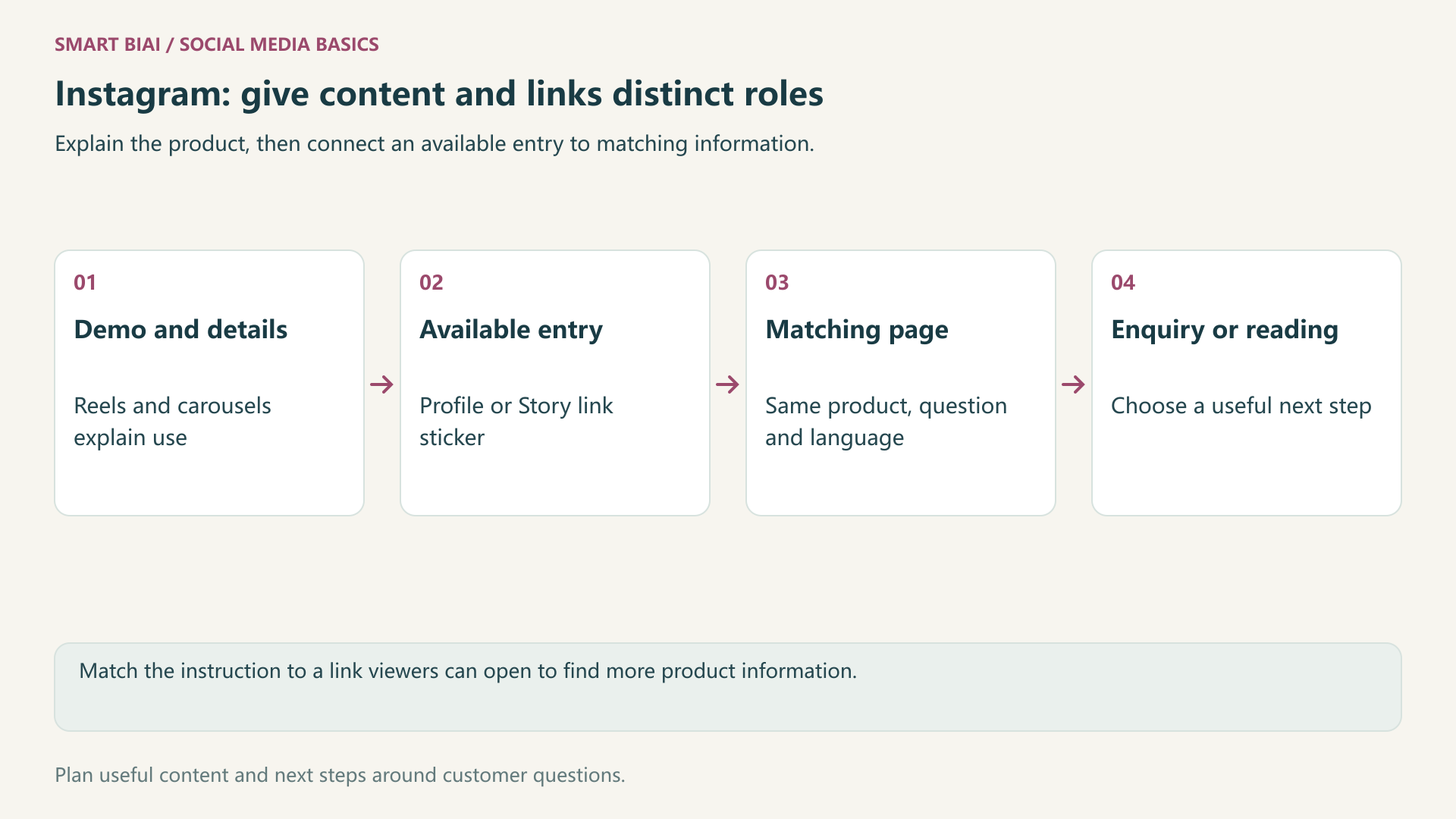
Answer a customer question through a Reel, carousel or Story, then offer a relevant next step through an available profile or Story link. Showing a URL in the content does not establish that a viewer has a clickable entry.
As of November 2026, check the options in the actual account and publishing interface. Meta has described Story link stickers and account restrictions; prepare the content around the entry the account can use.
1. Which entry belongs to which type of content?
A profile can hold a continuing brand or product destination. A Story can connect its specific subject to supporting information. Plain URLs in captions, comments or Reel visuals differ from profile links and Story stickers. Tell viewers where they can actually open the link.
| Entry or content position | Useful role | What to inspect |
|---|---|---|
| Available profile link field | Brand, product range or current activity | A descriptive label, address and language |
| Story link sticker | The page discussed in that Story | Whether the account offers it and where it opens |
| Reel or carousel | Demonstration and explanation with a clear next step | Whether the instruction matches a real entry |
| Plain URL text | Additional written information | Whether it is actually clickable in that context |
Meta’s Story link sticker announcement explains the tool and notes restrictions for some new or repeatedly violating accounts. If it is unavailable, use a working profile link. Follower count alone does not establish whether the sticker is available.
2. How can Reels, carousels and Stories work around one subject?
For an everyday canvas bag, a Reel can demonstrate carrying and access, a carousel can explain size and compartments, and a Story can answer a specific laptop-fit question. The website adds measurements, model comparisons and a suitable purchase or business contact route.
Reuse the underlying assets without repeating the same message in every format. Each post should make sense on its own. Basic product information should not require a follow, a coded comment or a private message first.
| Content | What the viewer learns | Useful follow-up |
|---|---|---|
| Commuting Reel | Carrying style, access and use context | Size and model information through the profile |
| Detail carousel | Compartments, opening, material and confirmed measurements | Full model and suitability information |
| Size-question Story | A demonstration answering one question | A link sticker to the matching page when available |
| Business collaboration post | Actual wholesale or customization scope | A distinct business enquiry page |
Adapt the example to your products and use accurate specifications for load capacity, water resistance and similar claims.
3. What should the profile and link labels say?
Explain what the brand offers and the needs it serves. Name destinations clearly, for example sizes and models or wholesale enquiries. If several entries are available, order them by current usefulness instead of giving every link the same vague label.
Match the account’s market and language to the destination. Make a language change clear before the click. Review campaign links when an activity ends, especially when useful older posts still send visitors there.
4. What makes a good mobile destination?
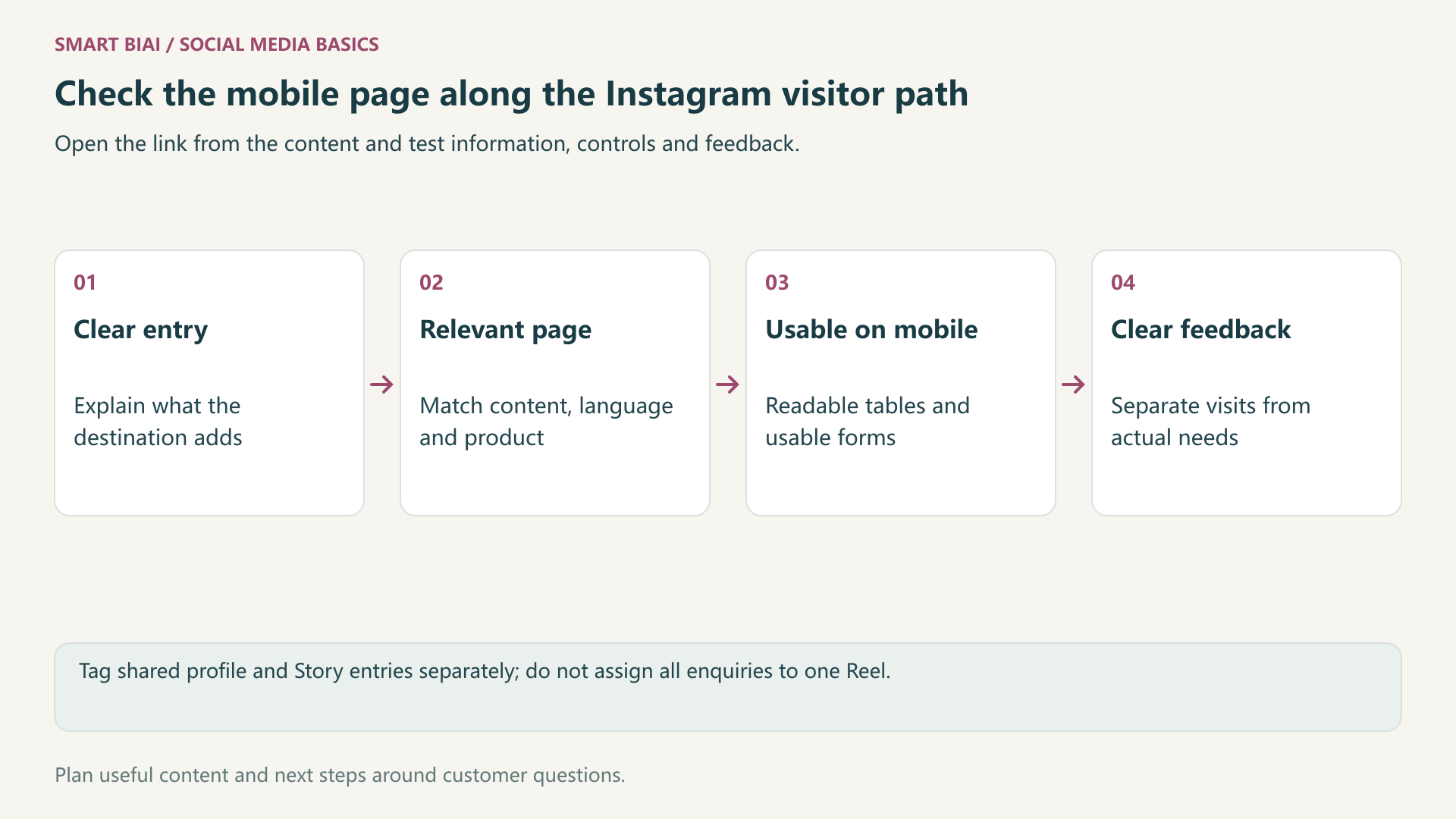
Test the route on a real phone, including the in-app browser. The visitor should see the product or question from the content, read measurements comfortably and reach a usable contact option. Check that overlays do not cover buttons.
Ask for information needed for the enquiry. Consumer selection, existing-customer support and wholesale cooperation can use different routes. A successful submission needs visible feedback and a clear explanation of what happens next.
| Check | What the visitor needs | Possible improvement |
|---|---|---|
| First screen | The matching product and information | Link directly to the relevant model or range |
| Reading and controls | Legible content, measurements and buttons | Optimize large media and inspect tables and overlays |
| Enquiry route | A next step that matches the requirement | Separate buying, support and cooperation |
| Submission feedback | A clear result and contact expectation | Test both success and error feedback |
5. How should profile and Story visits be reviewed?
Review available Instagram feedback for content relevance, then website analytics for the next stage. A shared profile URL might use utm_source=instagram, utm_medium=organic_social and utm_content=profile. A specific Story can use its own content marker, such as bag_size_story.
Do not assign every profile visit or enquiry on a Reel’s publication day to that Reel. Older content, sharing and brand searches may also contribute. Compare similar markets, activities and periods, keeping platform clicks, website sessions and actual requirements separate.
6. How can Smart BIAI help with ongoing content?
Smart BIAI helps organize accounts, assets and tasks by market and role, bringing video versions, languages and publishing schedules together. Add the website destination and tracking parameters to the plan so team members use the same information.
Set up profile links and Story stickers using the options Instagram provides. When publishing through a tool, check which options that method supports. Use website analytics and enquiries to understand what happens after the click. For additional product demonstrations, discuss video production requirements.
Continue reading
Questions enterprise teams ask
Does typing a URL into an Instagram caption make it clickable?
Do not assume plain URL text is a clickable entry for every account. Inspect the published content and use a working profile or Story route.
Does a Story link sticker require a fixed follower count?
Meta announced wider access, so follower count alone does not determine availability. Some new or restricted accounts may not have the option; check the Story editor in your account.
Should the profile link open the homepage or a product page?
Choose around the main visitor need. A homepage can introduce the business; an account focused on a product may need a clear product or range page.
Can a Reel lead to more than one product?
Yes, when the products belong together and the next step is clear. A well-organized range page can be more useful than several unrelated destinations.
Can profile-link UTM parameters identify every Reel?
Usually they identify the shared entry, not each post. Separate Story links can add more context, within the limits of the available data.
What should I check before scheduling Instagram content with Smart BIAI?
Confirm account access, media format and the website destination. If a Story needs a link sticker, check whether the publishing method supports it. Complete any Instagram-only settings on the platform.